
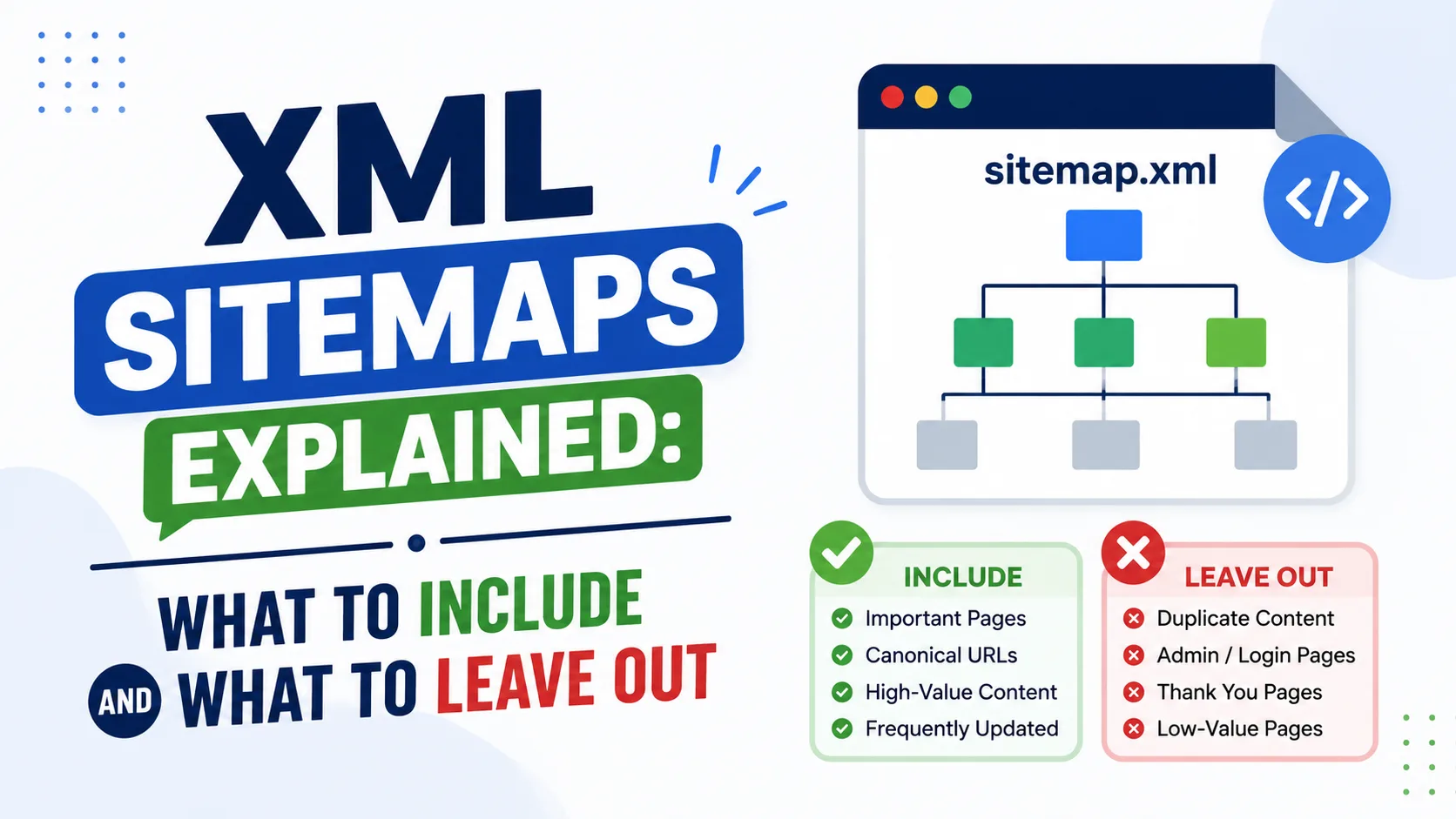
The sitemap is your recommendation to search engines. If you recommend pages that redirect, error out or are blocked, they will trust the file less. A small, accurate list is better than a large messy one.
Include these
- Canonical URLs that return a 200 status.
- Pages you want to rank in search, such as articles, tools and main category pages.
- Pages that are linked in your own navigation and are not blocked.
Leave these out
- Redirecting URLs and error pages.
- Pages with a noindex tag.
- Pages blocked in robots.txt.
- Duplicate or parameter versions of the same page.
- Internal search results, login pages, cart and checkout steps.
- Thin tag or archive pages you do not want indexed.
- Staging or test URLs.
Be consistent with other signals. If a page is in the sitemap, its canonical should point to itself, and no noindex should be present. Conflicts leave Google guessing.
A sitemap does not guarantee indexing
Including a URL helps Google find it, but Google still decides whether it is worth indexing. It is not a ranking boost.
Images and other types. There are separate sitemap formats for images, videos and news. For most small sites, a standard URL sitemap is enough.
Check the file regularly
Crawl the URLs in your sitemap and check the status codes. Anything that is not a clean 200 should be fixed or removed. Compare Search Console's sitemap report with what you expected.
An example audit
A site's sitemap lists 120 URLs. A crawl shows 104 return 200 and have a self-referencing canonical, 9 redirect, 5 have noindex and 2 return 404. Remove the 16 problem URLs and the sitemap becomes a list of 104 clean pages. Then check why redirected and noindex pages were included. The cause may be a template that builds the list from all posts, including drafts.
When a sitemap is not needed
A very small site with strong internal links can be discovered without one. Even so, a sitemap does no harm and gives you a useful report in Search Console. Make sure it is accurate, and do not treat it as a tool for fixing quality or duplicate issues.
Large sites and multiple files
When you split your sitemap, group URLs by section, such as articles, tools and categories. Separate files make it easier to see which section has problems in Search Console. Keep each file well under the size limits, and list all of them in a sitemap index file.
Awkward cases
- Paginated pages: include page one only if later pages add nothing for search. If each page lists different articles, make sure those articles are in the sitemap on their own.
- Language versions: list each version and keep the language links consistent across them.
- Pages that are noindex today but may change: keep them out until they are ready.
- Parameter URLs: list only the clean address.
Cleaning a sitemap with a script
If you export the sitemap URLs to a text file, a short script can check each one:
import requests

for url in open('sitemap_urls.txt').read().split():
    r = requests.get(url, allow_redirects=False, timeout=10)
    if r.status_code != 200:
        print(r.status_code, url)
Anything that is not a plain 200 response needs attention. Run the check after every large change to your site.
Update dates only when content changes. The lastmod field is useful when it is accurate. Wrong dates teach crawlers to ignore it.