
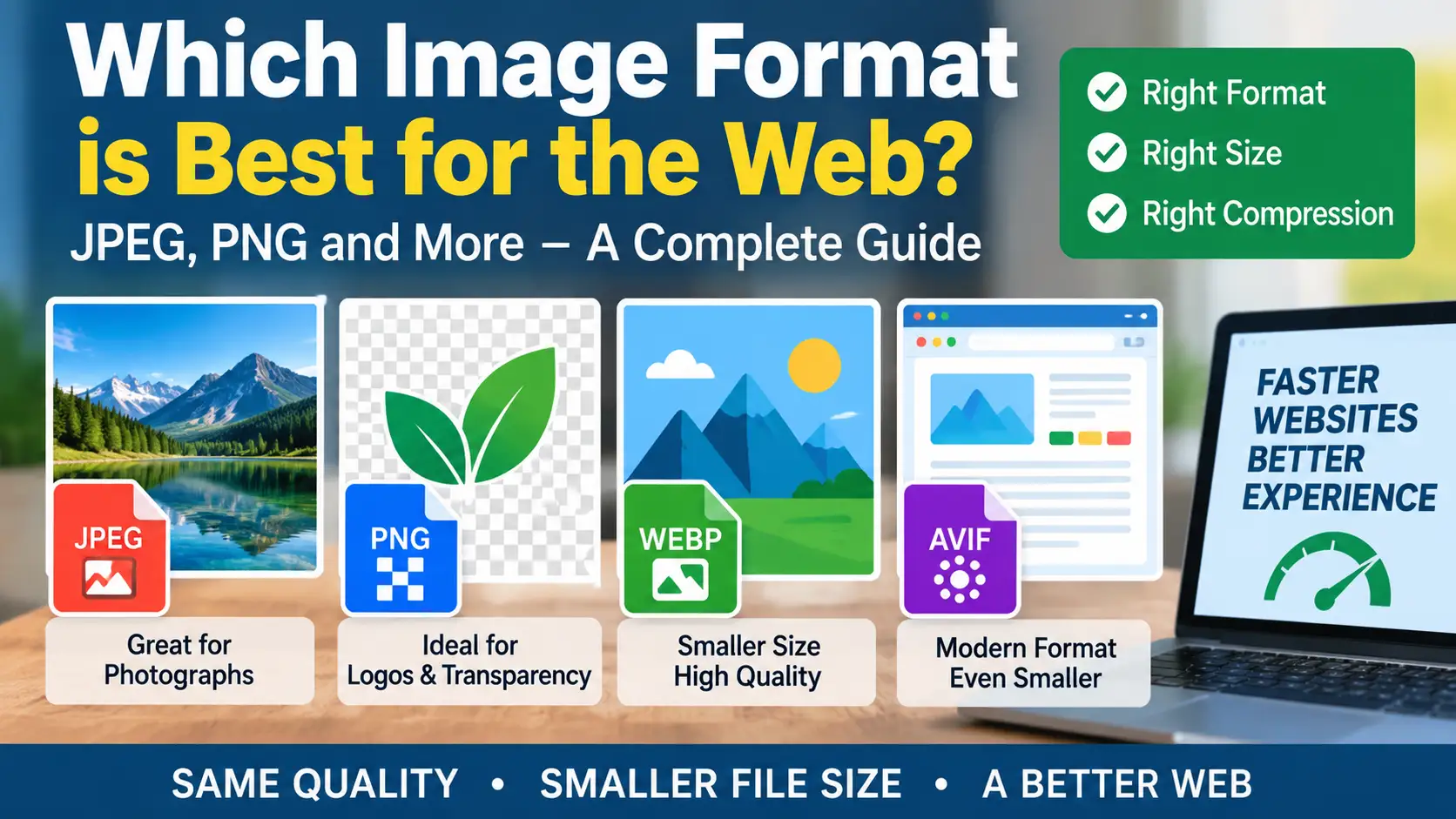
Picking a format is a practical decision with a small number of rules. The image content matters more than the format's reputation.
JPEG for photographs
JPEG compresses photos with many colours and gradients very well. It uses lossy compression, which removes detail you are unlikely to notice. It does not support transparency. It is the safest choice when you need maximum compatibility.
PNG for sharp graphics and transparency. PNG is lossless, so text, lines and flat colours stay crisp. It supports transparency. The cost is file size: a photograph saved as PNG can be many times larger than the same photo as JPEG.
WebP as a modern default
WebP can handle both photos and graphics, lossy or lossless, with transparency. It often produces smaller files than JPEG or PNG at similar quality, and all major current browsers support it. If you can serve one format, WebP is a strong choice for the web.
A quick decision guide
- Photo for a blog post: WebP, or JPEG if you need universal compatibility.
- Screenshot with text: lossless WebP or PNG.
- Logo or icon: SVG if it is a vector, otherwise PNG or WebP.
- Image that needs transparency: PNG or WebP.
- Simple animation: WebP or a short video, rather than a large GIF.
Check with your own files. Export the same image in two formats and compare file size and appearance at the real display size. Savings vary by image.
Keep the original
Always keep the uncompressed source. Converting from a source gives better results than converting between lossy formats repeatedly.
Examples from a typical blog
A tutorial screenshot with small text: lossless WebP, or PNG if your tool cannot export WebP. A photograph of a desk: WebP at moderate quality. A site logo: SVG. A product shot with a transparent background: PNG or WebP with alpha. An animated demo of four seconds: a short MP4 or WebM video usually beats an animated GIF in size.
Common questions
Is JPEG obsolete? No. It remains universal and fine for photos, and many tools produce it by default. Is PNG obsolete? No, it remains useful for lossless graphics. Should everything be converted to WebP? Not necessarily; convert when you gain a meaningful saving and test the result.
What size differences look like
To make the choice concrete, imagine one photograph at 1200 pixels wide. As a JPEG at a moderate quality it might be around 200 KB. As WebP at similar visual quality it might be around 130 KB. Saved as PNG it could be over a megabyte. A flat screenshot may show the opposite: a small PNG and a larger JPEG with fuzzy text. These figures are illustrations, not promises, so compare your own files.
Metadata and colour
Camera photos can contain metadata such as location and device details. Strip it before publishing, both for privacy and to save bytes. Most export tools have an option for this. Keep images in the standard sRGB colour space for the web, since other profiles can look different between browsers.
Do not forget alt text. Format choice is only part of image quality. Every informative image still needs alt text that describes what it shows, and decorative images need an empty alt attribute. Search engines and screen readers both rely on it.
Remember email and downloads
Email clients and some design tools handle JPEG and PNG more reliably. When people will download the image for other uses, offer a common format.